

12 Fatal CV Mistakes That Get You Rejected in 2026 — Fixed
Most professional profiles get skipped before a hiring manager even reads their history. Here is exactly why applications get discarded, and the 12 easy fixes you need to make today. Use our ATS-compatible CV Maker to build a polished, error-free layout today.
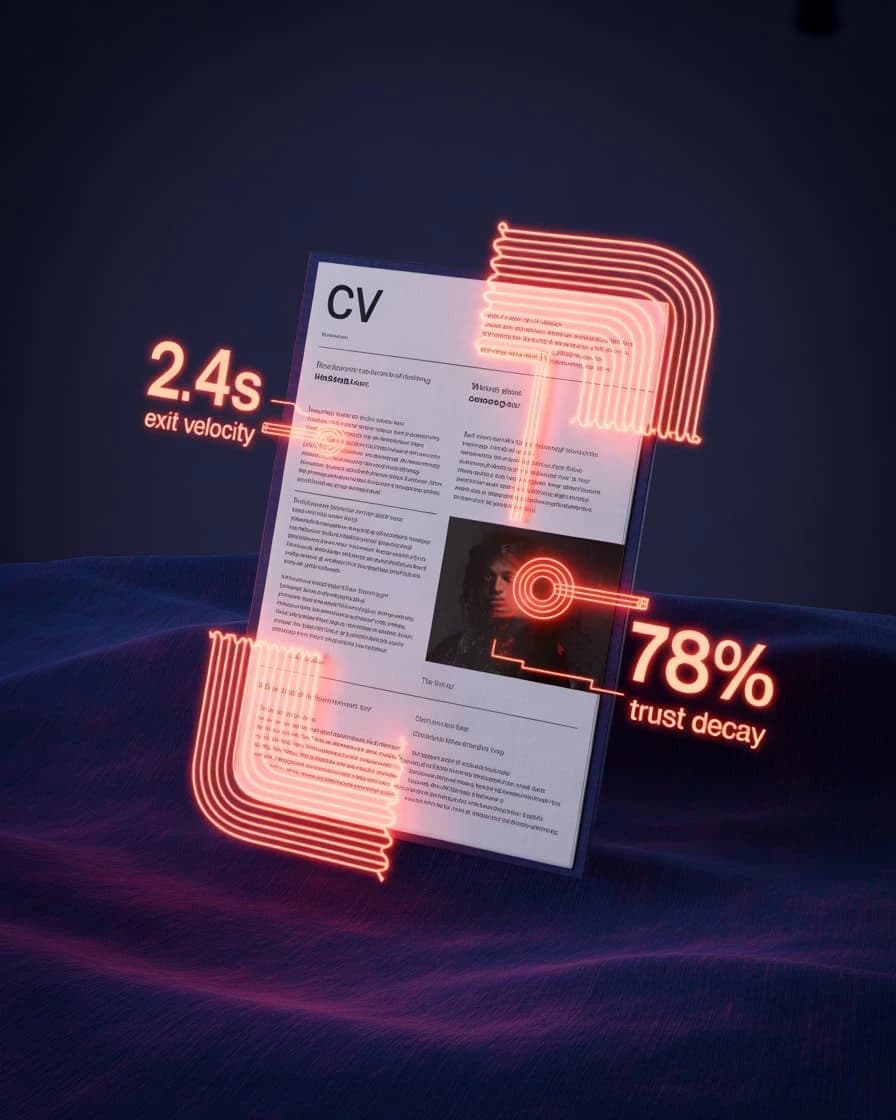
Why You Get Rejected
"Avoiding critical CV mistakes is the single fastest way to increase your callback rate. Rejection usually isn't about your qualifications — it's about the structure."
Common Mistakes to Avoid
The most common structural and text errors that trigger rapid rejections in modern job applications.
1. Writing Too Much Text
Exhausting paragraph blocks make your accomplishments impossible to scan quickly. Recruiters will skip over massive text groups rather than search for skills. For example, writing a 5-line paragraph describing daily operations ensures your key project wins are missed.
2. Using Vague Words
Phrases like 'good communicator' or 'highly motivated' provide no concrete proof of capability. Use specific industry terms and tools to establish authority. For example, listing 'team player' rather than showing you coordinated cross-functional projects makes your profile look generic.
3. Using Complex Multi-Column Layouts
Fancy dual-column designs, profile photos, and graphical elements frequently scramble text parsing in applicant databases. Always stick to a clean, single-column layout. For example, a dual-column layout can cause your education dates to merge with your job titles during data upload.
4. Omitting Quantifiable Results
Claims of achievement without associated numbers or project scopes carry very little weight. Prove your impact by including exact results and percentages. For example, saying you 'increased sales' without stating a percentage or dollar value looks like unverified filler.
5. Mismatched Tone of Voice
Using overly causal startup language for a traditional, corporate role (or vice versa) suggests a lack of cultural awareness. For example, submitting a CV with creative slang to an investment firm signals that you do not understand the industry standards.
6. Including Outdated Experience
Listing high school achievements or part-time student jobs when you have years of professional tenure distracts the reader. For example, keeping a 10-year-old retail role on a senior software engineer CV wastes valuable space that should focus on your tech stacks.
7. Using Creative Section Names
Using section headers like 'Where I've Been' instead of 'Experience' confuses both human recruiters and parsing software. For example, non-standard headings can cause the scanner to categorize your job history under 'Other' or skip it entirely.
8. Unreadable or Cluttered Fonts
Cursive or decorative fonts make screen reading highly stressful and look unprofessional. Use clean, classic options like Arial, Calibri, or Roboto. For example, using Times New Roman on modern mobile displays often blurs text, making the document hard to read.
9. Leading Bullets with 'Responsible For'
This phrase indicates passive duties rather than direct leadership. Start your bullets with strong, active verbs. For example, writing 'Responsible for customer retention' sounds passive compared to 'Retained 94% of enterprise accounts'.
10. Listing Too Many Skills
Listing 50 different skills makes your profile look unfocused and generic. Target 10 to 15 core skills that match the role description. For example, listing every software tool you have ever opened dilutes your actual expertise in your primary stack.
11. Inconsistent Timeline Formatting
Misaligned dates, varying font sizes, or mixed date formats signal a lack of attention to detail. For example, writing 'Jan 2022' for one job and '02/2024' for another tells managers you do not double-check your work before submission.
12. Starting with an 'Objective'
Self-focused statements about what you want from a company are outdated. Replace them with a Professional Summary showing what you bring. For example, writing 'Seeking a challenging role to grow my skills' focuses on your needs rather than the employer's problems.
How to Fix Your CV Today
A step-by-step audit process to clean up your existing document and optimize it for modern standards.
Convert to a Single Column
Convert any multi-column design into a clean, single-column layout. This prevents text block merging errors in databases and guarantees human eyes scan your timeline in a natural top-to-bottom grid.
Quantify Your Achievements
Review every bullet point under your work experience and ensure it includes a specific number, dollar amount, or percentage. Replace passive duties with specific business results.
Align with the Job Posting
Read the job posting carefully and list its core required skills. Incorporate these precise job keywords naturally throughout your summary and experience bullet points.
Remove Outdated Details
Trim your work history to show only the last 10 to 15 years. Delete pre-university school details, unrelated hobbies, and outdated software packages that no longer build value.
Ensure Consistent Alignment
Ensure all section headings use identical fonts, and all employment dates are perfectly right-aligned. Save the final document as a text-searchable PDF and test copying text to ensure parsing safety.
How Bad is the Mistake?
Understanding which mistakes pose the highest risk of immediate rejection.
Complex Layouts
If candidate tracking databases cannot map your work history, your application is functionally invisible. Stick to simple single columns.
No Performance Numbers
Recruiters treat bullet lists without numbers as generic task descriptions. Quantified achievements are essential to demonstrate impact.
Missing Job Keywords
Using internal company jargon instead of standard industry terms prevents your profile from showing up in candidate queries.
How Recruiters Read
Understanding recruiter scanning habits helps you position your achievements where they get noticed first.
Ignored Bottom Section
The lower half of your first page receives minimal initial focus. Move your highest-impact accomplishments to the top introductory profile and first few work bullets.
Visual Exhaustion
If a section is crowded, poorly aligned, or lacks bold headers, recruiters skip it immediately. Use ample white space and clear headings to keep the layout readable.
First Bullet Priority
Recruiters anchor their impression of your seniority on the first two bullet points of your current role. If these points focus on passive tasks, they will assume a lack of impact.

Format Integrity
Modern databases operate best when your document maintains a clean linear layout, standard margins, and standard system fonts.
The Correction Blueprint
See exactly how we transform passive task listings into quantified achievements.
Passive Task Listing
Strategy: Shifted from passive duties to quantified achievements with clear metrics.
Vague or Generic Claims
Strategy: Replaced generic claims with specific technical tools and operational time-save data.
The Objective Trap
Strategy: Transformed a self-focused objective into a clear professional summary.
Rejection Probability Matrix
Understanding how different errors directly cost you interview callbacks.
Complex Layout Failure
If your document cannot be parsed into the tracking database, you functionally do not exist in the applicant pool.
Metric-Free Experience
Claims without numbers are treated as generic tasks. Recruiters cannot verify the scope of your actual impact.
Typos and Grammatical Errors
Signals a lack of professional care. Even minor typos suggest a high probability of sloppy execution on the job.
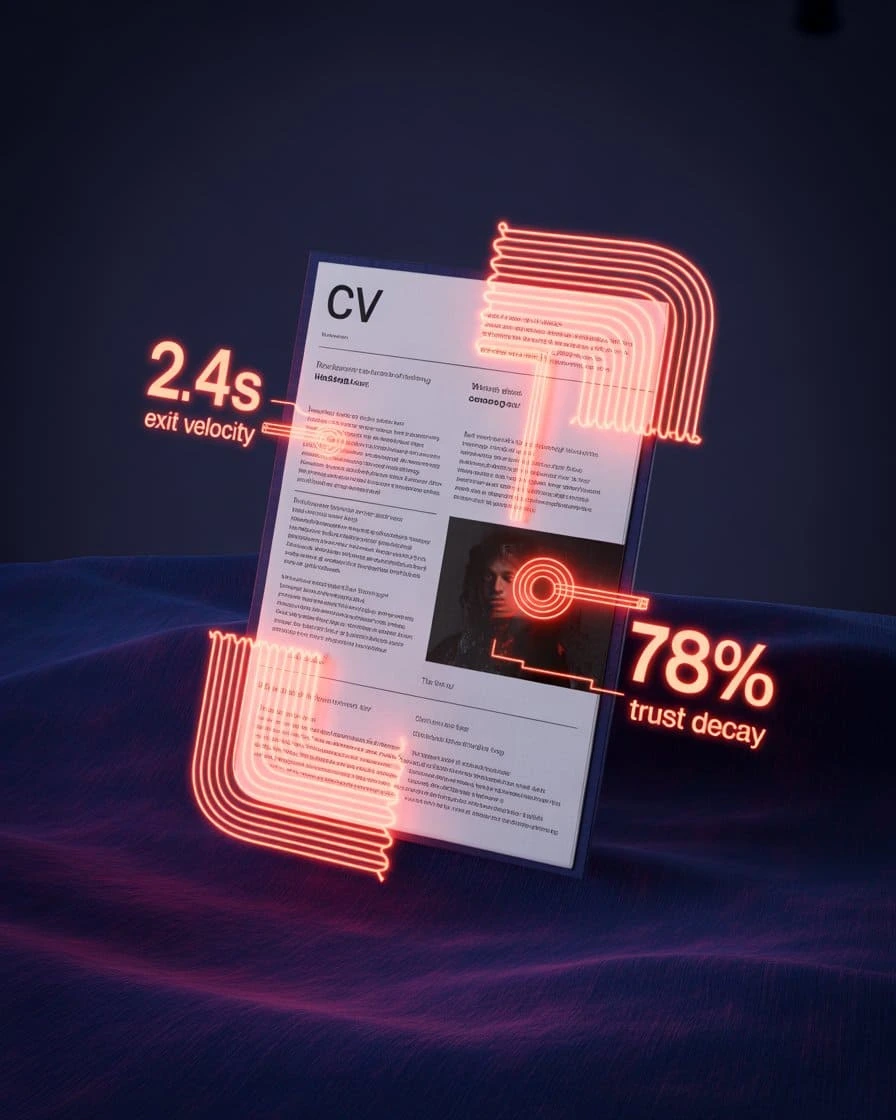
Recruiter Behavior Data
Recruiter Exit
Hiring managers skip to the next profile the moment they hit a glaring layout error.
Timeline Review
Inconsistent formatting and gaps signal a lack of care and professional detail.
Recall Rate
Vague, generic summaries fail to highlight unique value signals that recruiters remember.
Final Rescue Checklist
Perform these 5 quick checks on your document before submitting your application.
- Is your CV formatted in a single-column layout?
- Does every work experience bullet point include a specific number or result?
- Do your keywords match the target job description?
- Have you removed school details and outdated roles that are no longer relevant?
- Have you listed your key tools and software in a dedicated skills section?
- Is your document saved as a text-searchable PDF instead of a flat image?
CV Mistakes FAQ
Executive Toolkit
Build Your Professional CV for Free
Pick from 30+ board-ready designs and establish your leadership in minutes. 100% Free.
Cover Letter Maker
Professional matching correspondence. Build for Free.
Business Card Maker
Sleek, modern designs for authority branding. 100% Free.
100% Free • No Credit Card • No Watermarks • Instant Access
Establishment Research
Continue Your Research
Explore the high-authority guides required to build the perfect CV.
CV Skills Guide
Stop listing 'Communication.' Here's what recruiters actually scan for — with proven examples by industry and experience level.
Gulf Jobs CV
Passport-ready photo, clear visa status, and GCC eligibility. The Gulf CV follows strict regional rules—here is the exact 2026 blueprint.
Canada Jobs CV
Canadian CVs follow strict privacy rules. No photo, no age, no SIN. Learn the reverse-chronological format Toronto employers actually expect.