

Best Skills to Add to Your CV for Any Job 2026
Finding the best skills to put on a CV is the fastest way to get noticed by employers. Discover exactly how to choose the right skills for your CV so you get past the software filters and impress hiring managers. Learn how to format a standout list using professional templates in our CV format guide.
Why Your CV Skills Section Matters
Selecting the best skills to put on a CV is crucial because recruiters instantly ignore subjective words like 'Hard worker' or 'Good communicator'. They want hard, objective proof.
The Evidence Rule
Never list a skill on your CV if you cannot back it up with a quantifiable result in your work history. Every skill needs real-world context.
ATS Keyword Mapping
Most modern firms use keyword scanners. When choosing what skills to put on a CV, use the exact terms mentioned in the job description to pass the automated screening.
Hard vs. Soft Split
Your hard skills for CV (e.g., Python, SQL, Nursing) get you past the software filter. Your soft skills for CV (e.g., leadership, negotiation) get you the actual job offer.
Strategic Positioning
Your specialized technical capabilities belong in a dedicated skills section CV, positioned near the top of the page so recruiters see them immediately during their 6-second scan.
How to Choose Your Skills
Follow this 3-step framework to determine exactly what skills to put on a CV for your target role.
Check the Job Posting
Highlight every tool, software, and method mentioned in the job ad. These exact terms are the most important CV skills list entries you can possibly write.
Be Honest About Your Skills
Only list tools or techniques that you can comfortably use independently. If you'd need a video tutorial to complete a basic task, it doesn't belong on your CV.
The 'So What?' Test
For every workplace skill you write down, ask yourself 'So what?'. If you claim to have 'Good Communication', prove it by showing how it helped negotiate a deal or coordinate a successful team.
How to Write Your Skills Section Step by Step
Follow these 4 practical steps to build a high-converting skills section from scratch.
Brainstorm and list every single software, tool, methodology, and technical process you have used. This is your master CV skills list. Don't filter anything out yet; just get everything down on paper.
Analyze the job posting you want to apply for. Highlight all the software, frameworks, and tools they mention. This will show you exactly what skills to put on a CV to align perfectly with what the recruiter is looking for.
Structure your CV layout cleanly. Place your specialized hard skills for CV in a bulleted list inside your dedicated skills section CV. Keep soft skills out of lists; instead, let them shine through your professional experience bullet points.
Ensure that every technical skill you list is mentioned at least once in your experience bullets, showing how you applied it to solve a problem. An active link or quantified outcome builds absolute trust.
Scenario-Specific Skills Strategy
For Freshers & First Jobs
When choosing the **best skills to add to CV for freshers** or building a **skills for CV with no experience** block, prioritize academic projects, certifications, and technical tools. Proving your capability with a portfolio link establishes huge trust.
Gulf Jobs Blueprint
Hiring managers screening for **skills for Gulf jobs CV** seek direct evidence of industry-standard tools. List precise regulatory, vendor, and machinery certifications rather than writing generic self-descriptions.
ATS Filter Optimization
To guarantee **ATS friendly skills for CV 2026**, always review the job advertisement for precise phrasing. If an employer requests 'B2B Client Sales', match their terminology rather than writing general sales concepts.
How Many Skills to List on a CV
"Aim for a focused CV skills list of 10 to 15 highly relevant skills. A concise group of 8 to 10 capabilities that perfectly match the job requirements is far more effective than a massive block of 30 random keywords."
Listing every tool you have ever touched dilutes your core strengths and makes you look like a beginner.
Mistakes to Avoid
Avoid these common junior mistakes to ensure your skills section stays clean and professional.
No Rating Bars
Never use progress bars, percentages, or '5-star' graphic sliders. They are completely arbitrary, look amateurish, and can break applicant tracking software.
No Basic Skills
Do not list universal basics like 'Email', 'Internet browsing', or 'Microsoft Word'. These are standard expectations and taking up valuable layout space makes your CV look thin.
Don't Overload Keywords
Adding 50 irrelevant skills to try and trick the automated system is a quick way to get your CV rejected. Focus only on the best skills to add to your CV that you actually know.

ATS Keyword Scanning
- Keyword MatchVerified
- Context ScoreExcellent
How to Pass the ATS
Modern screening software doesn't just search for isolated words; it evaluates context. Listing isolated skills without related technical tools can make your CV pass filters but fail human reviews.
Group Related Skills Naturally
Automated screening systems scan for clusters of skills. For example, if a job description mentions 'Python', it naturally expects to see tools like 'Git' or 'Django' nearby. Grouping these related tools together builds context.
Optimize for Human Readability
While passing the machine filter is important, your skills section must remain readable. Stick to a clean list of 12 to 15 highly relevant skills that align with your actual work experience.
Weave Skills into Your Work History
Listing a skill in your skills block is good, but demonstrating how you used it in your 'Work Experience' section is what gets you interviews. Always back up your skills with results.
Skills for Your Industry
Generic buzzwords won't help you stand out. Use these top-rated skills to prove you are an expert in your specific field.
Software Engineering
Hiring managers look for engineering candidates who can manage modern cloud environments and deployment frameworks. Listing these specialized skills proves you can integrate into a production-level engineering team immediately.
Healthcare & Nursing
Clinical environments prioritize safety, patient flow, and regulatory compliance. Showcasing documentation standards and prioritization skills tells hospital recruiters you are fully qualified to handle demanding shifts.
Finance & Accounting
Accuracy and adherence to global audit standards are non-negotiable. Stating knowledge of corporate ledgers and financial systems shows you can manage reconciliation with zero oversight.
Sales & Marketing
Modern revenue teams operate on attribution data and pipeline metrics. Proving you can navigate advanced CRM tools and growth funnels guarantees your profile stands out to hiring managers.
How to Prioritize Skills
Understanding how recruiters evaluate your document helps you prioritize what skills to put on a CV. Here is the hierarchy of skills hiring managers look for first. Reviewing how hiring managers check your document helps you design a high-converting skills layout.
Specific Technical Skills
Logic: These are your core hard skills (e.g., specific software or coding languages) that verify your technical capability to perform the job tasks.
Workplace Skills
Logic: These represent your soft skills (e.g., coordination or problem solving) showing how you interact within a team environment.
Interests and Hobbies
Logic: These show cultural alignment and personality. Only include them if you have extra space at the bottom of a single page.
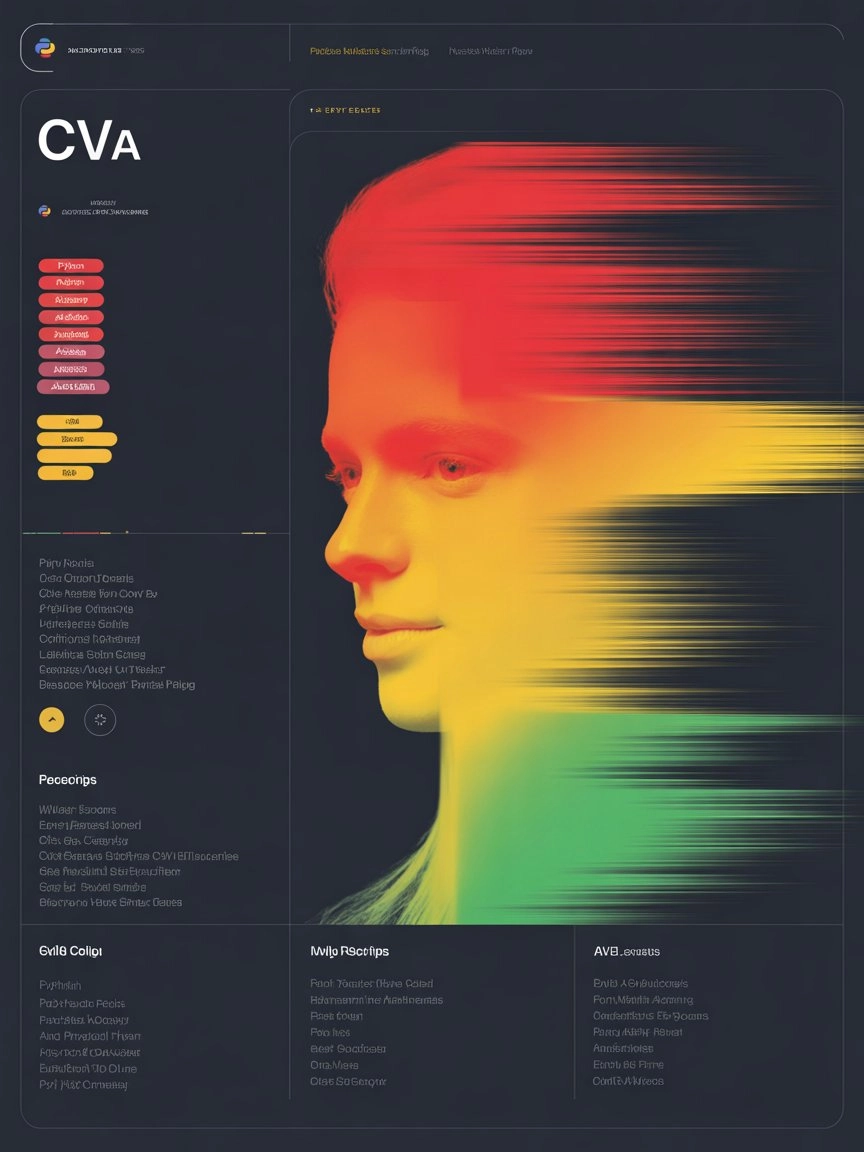
Heatmap scans show eye-fixation on Top-Left Skill Columns during quick resumes checks.
How Recruiters Scan Your CV
Understanding eye-tracking scan behavior can help you position your top-rated skills where they catch immediate attention. Position your top skills where they catch immediate attention and pass automated checks.
Top-Left Focus
Hiring managers check the top-left area first for technical tools.
Direct Evidence
Listing skills backed by real results in your experience section builds instant trust.
ATS Matching
Your chances of selection increase dramatically when your listed skills align with the job ad.
The Before & After Blueprint
The most common mistake is making a vague claim on your CV without providing direct evidence.
The Weak Claim
- "Excellent Communication Skills"
- "Strong Leadership Abilities"
- "Proficient in Microsoft Excel"
- "Good Problem Solver"
The Validated Proof
- Led a cross-functional team of 12 engineers.
- Negotiated a $50k reduction in vendor costs.
- Built automated Excel VBA macros saving 10 hours/week.
- Identified and patched a critical server vulnerability.
Industry-Specific Claim vs. Proof Examples
Top Skills for Your CV
Copy-paste these verified skill clusters based on your target industry. Review our guide on professional CV format for optimal layout.
Technical / Software
Data & Finance
Marketing & Growth
Operations & HR
Final Checklist
Before you submit, run your skills section through this quick CV validation checklist.
Skills Strategy FAQ
Still not sure if your CV has the right skills? Before you apply, run your document through our free CV builder to create an optimized layout.
Executive Toolkit
Build Your Professional CV for Free
Pick from 30+ board-ready designs and establish your leadership in minutes. 100% Free.
Cover Letter Maker
Professional matching correspondence. Build for Free.
Business Card Maker
Sleek, modern designs for authority branding. 100% Free.
100% Free • No Credit Card • No Watermarks • Instant Access
Establishment Research
Continue Your Research
Explore the high-authority guides required to build the perfect CV.
Gulf Jobs CV
Passport-ready photo, clear visa status, and GCC eligibility. The Gulf CV follows strict regional rules—here is the exact 2026 blueprint.
Canada Jobs CV
Canadian CVs follow strict privacy rules. No photo, no age, no SIN. Learn the reverse-chronological format Toronto employers actually expect.
Australia Jobs CV
Australian CVs are longer, more detailed, and require licence numbers. If your CV looks Canadian, it's getting rejected in Sydney.