

ATS Friendly CV — How to Beat Resume Scanners 2026
In 2026, 92% of Fortune 500 companies use bots like Workday, Taleo, and Greenhouse. If your CV isn't machine-readable, it’s invisible. We’ll show you how to beat the algorithm without paying for expensive services.
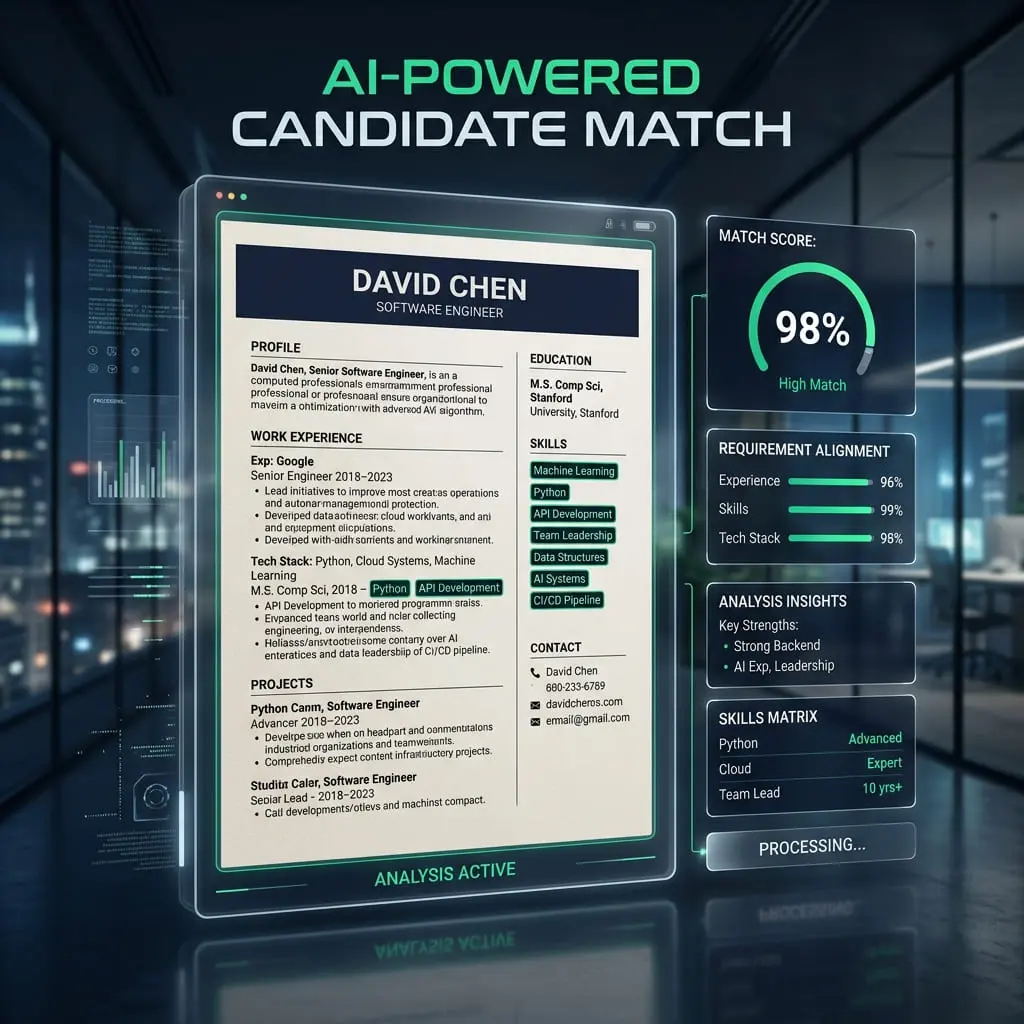
The Harsh Truth: Why Machines Reject Elite Candidates
Technical Conflict
An ATS is a digital filing cabinet. Its primary job is to parse—to break down your CV into raw data points. If the parser gets confused by "pretty" graphics, it simply categorizes you as "Unqualified."
Strategic Alignment
The "Metagame" of hiring in 2026 is about balance. You need a CV that looks clean to a human but remains 100% transparent to a machine.
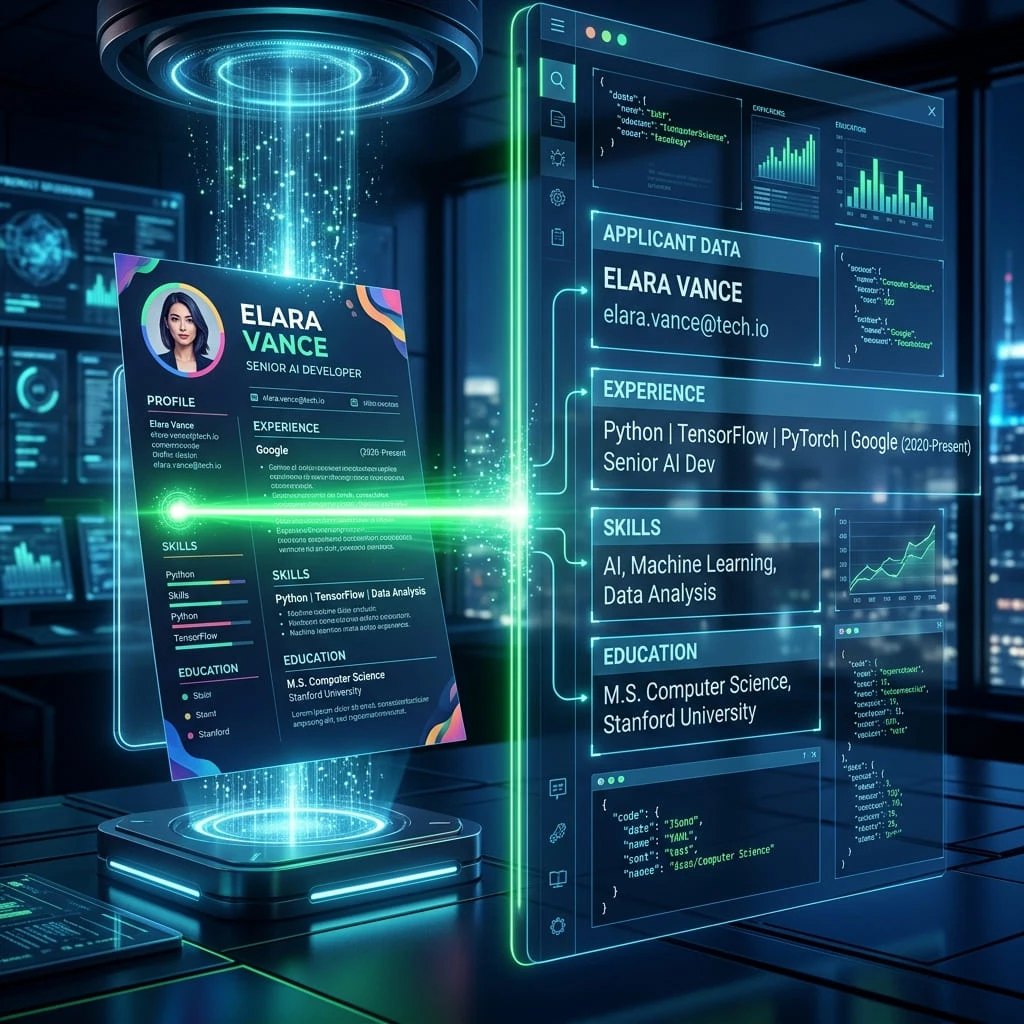
The Recruiter’s Search Interface: How You Are Found
Semantic Keyword Parsing
Modern ATS like Greenhouse use Semantic Search. They don't just look for Sales; they look for related terms like Revenue Growth and KPI Management. We'll show you how to layer these terms naturally.
The Text-Layer Audit
When you save a PDF, it creates a hidden Text Layer. Bots only see this layer. If you use flattened PDF exports, the bot sees zero words. Always use text-export PDFs.
Ranking & Relevancy
Once parsed, the bot gives you a score from 0-100 based on how well your CV matches the job description. Being qualified isn't enough; you must be optimized to appear on page one of the recruiter's search.
Exact-Match Filtering
Older legacy ATS systems don't understand context. If a job asks for Search Engine Optimization and you write SEO, the bot gives you zero credit. You must use exact-match phrasing to clear the hard filters.
How to Optimize Your CV
Select Safe Typography
Avoid System-Only fonts. Stick to standard sans-serifs like Arial, Calibri, or Roboto. These are pre-loaded into every ATS database, ensuring your characters don't turn into weird symbols during parsing.
The Single-Column Rule
Multi-column layouts read horizontally across the page. A bot might read your Contact Info and your Skills as a single sentence, breaking your data. Adhere strictly to a linear CV format.
Standardize Your Section Headers
Recruiters love creativity, but bots hate it. Don't use My Professional Story. Use Work Experience. These are anchor points that the bot uses to navigate your career timeline. Check our resume summary examples for how to structure the top section.
The Clean File Protocol
Always use a standard PDF. Avoid Word Docx if you use Mac Pages, as conversion can break formatting. A high-quality PDF preserves the text layer and the visual layout for the human round.
Mistakes to Avoid
The Table Trap
Putting your skills in a table. Most bots can't 'see' inside table cells, so your skills disappear.
The Header Ghost
Putting contact info in the Page Header. Many parsers ignore headers and footers entirely.
The Image CV
Saving your CV as an image file. The bot sees a picture, not text. Instant rejection. Avoid these critical mistakes.
Progress Bars
Using '5/5 stars' or visual progress bars for skills. Bots cannot interpret graphics, so you receive zero credit for the skill itself.
Human Perception vs. Machine Reality
The 'Graphic Designer' Trap
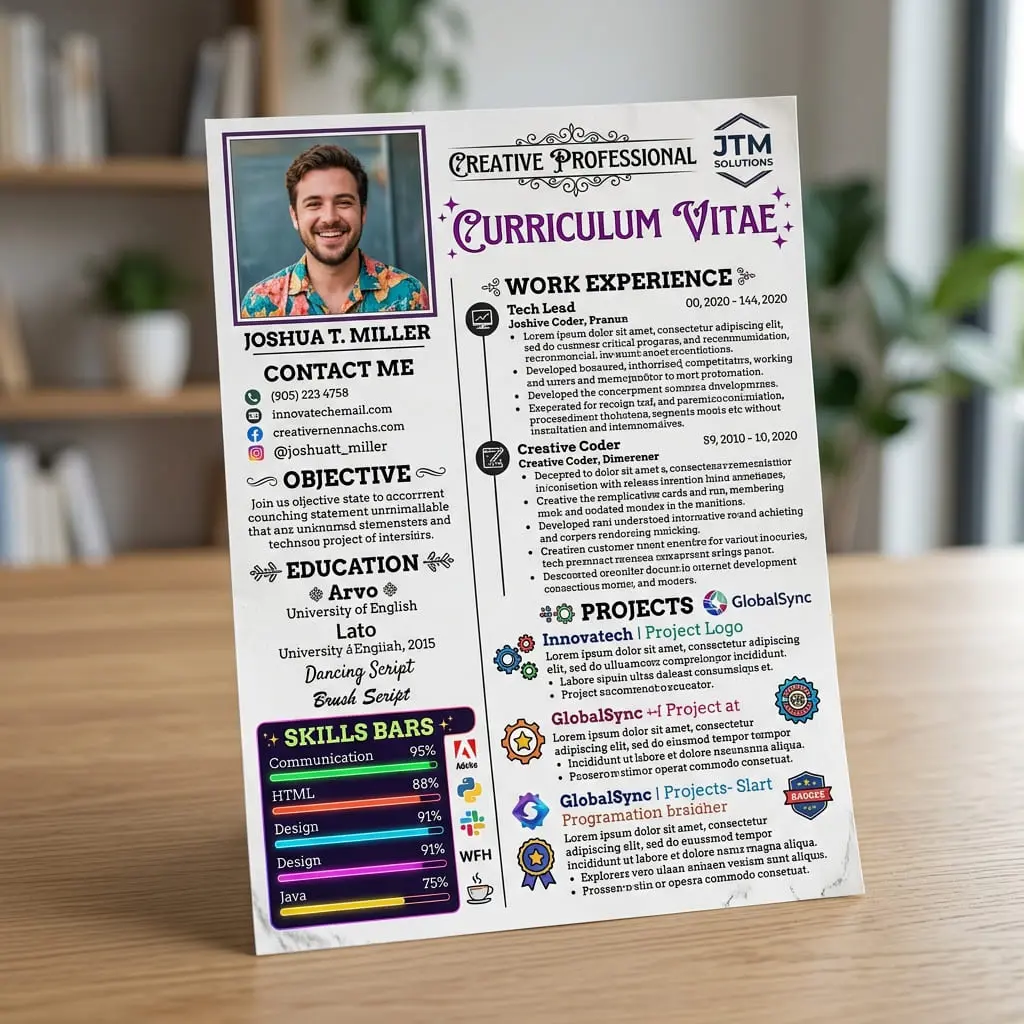
Features skill bars, icons, and two columns. Looks 10/10 to you, but the bot sees a scrambled mess of non-searchable data.
The 'High-Authority' Protocol
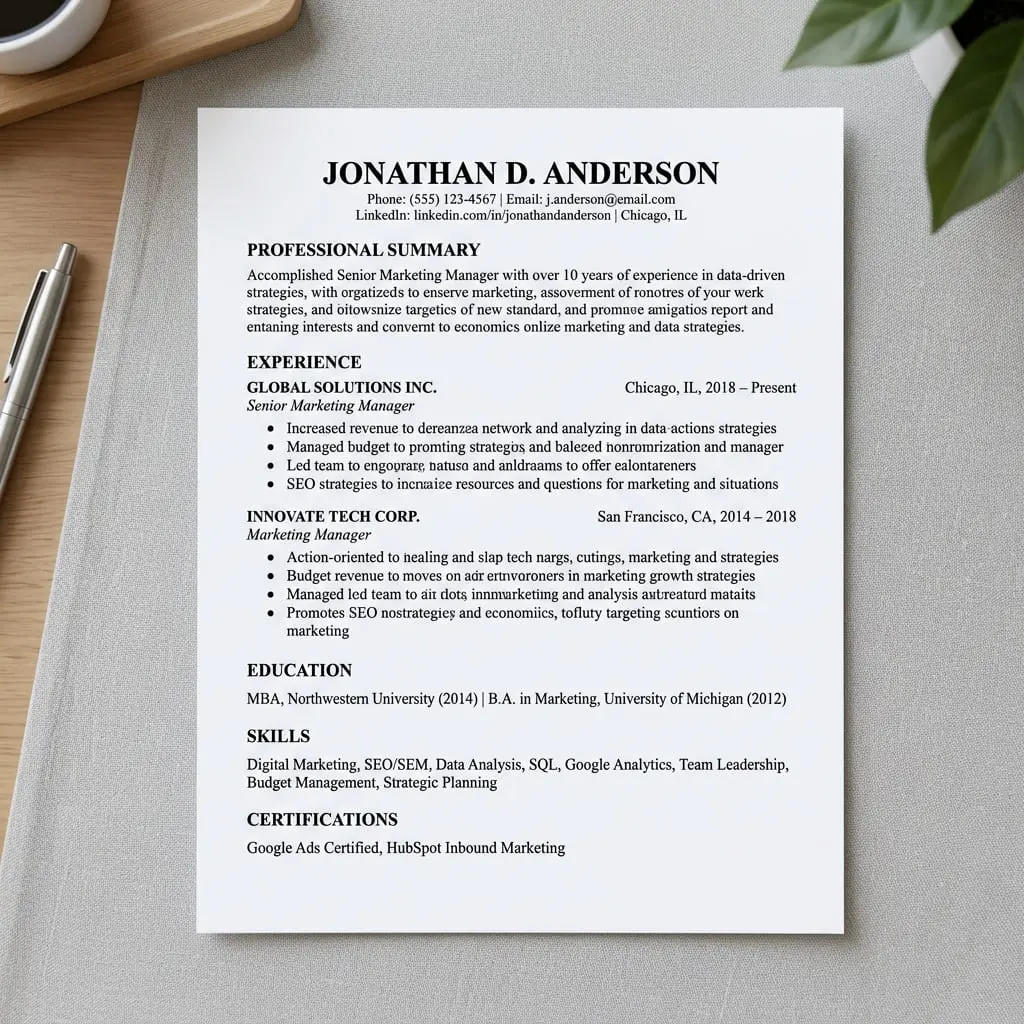
Clean, linear, and rich with industry-specific nouns. 100% searchable, transparent, and authoritative.
Final Check Before You Apply
PROTOCOL:Never name your file "CV_Final_V2". Use "Name_Role_Year.pdf" for instant trust.
Frequently Asked Questions
Can I use color on an ATS CV?
Yes. Bots ignore color. They only care about the text layer. Bold and color are fine for humans, as long as the contrast is high enough for readability.
Is PDF better than Word for ATS?
Both are fine in 2026, but a Text PDF is safer as it cannot be accidentally edited or shifted when opened on a different operating system.
Do I need to hide keywords in white text?
NEVER. Modern bots detect invisible text by matching text color to background color. They will flag your CV for cheating, leading to an automatic blacklist.
How many keywords should I include?
Quality over quantity. Include the core hard skills exactly as they are written in the job description, typically between 8-12 major technical terms or methodologies.
Will my contact info parse if it's in the header?
No. Many legacy systems completely ignore the literal Header and Footer sections of a Word document. Keep your contact info in the main body of the document.
Can an ATS read my LinkedIn URL?
Yes, but you must include the full URL (e.g., https://linkedin.com/in/name) rather than just hyperlinking the word LinkedIn. Many bots strip away embedded hyperlinks.
What if I don't have the exact job title?
You can add a Target Title under your name at the top of your CV, or integrate the exact job title naturally into your resume summary to trigger the initial keyword match.
Stop Guessing, Start Getting Interviews
Our free builder creates 100% ATS-friendly files automatically. No more formatting errors, just results.
Build NowExecutive Toolkit
Build Your Professional CV for Free
Pick from 30+ board-ready designs and establish your leadership in minutes. 100% Free.
Cover Letter Maker
Professional matching correspondence. Build for Free.
Business Card Maker
Sleek, modern designs for authority branding. 100% Free.
100% Free • No Credit Card • No Watermarks • Instant Access
Establishment Research
Continue Your Research
Explore the high-authority guides required to build the perfect CV.
CV Skills Guide
Stop listing 'Communication.' Here's what recruiters actually scan for — with proven examples by industry and experience level.
Gulf Jobs CV
Passport-ready photo, clear visa status, and GCC eligibility. The Gulf CV follows strict regional rules—here is the exact 2026 blueprint.
Canada Jobs CV
Canadian CVs follow strict privacy rules. No photo, no age, no SIN. Learn the reverse-chronological format Toronto employers actually expect.