

Business Card Guide — Design One That Gets Noticed
Most business cards are discarded within 24 hours. Master the exact GSM standards, Spot UV finishes, and NFC integration rules that make your card a permanent physical anchor for your business. Ensure your print layout is 100% professional for maximum brand authority.
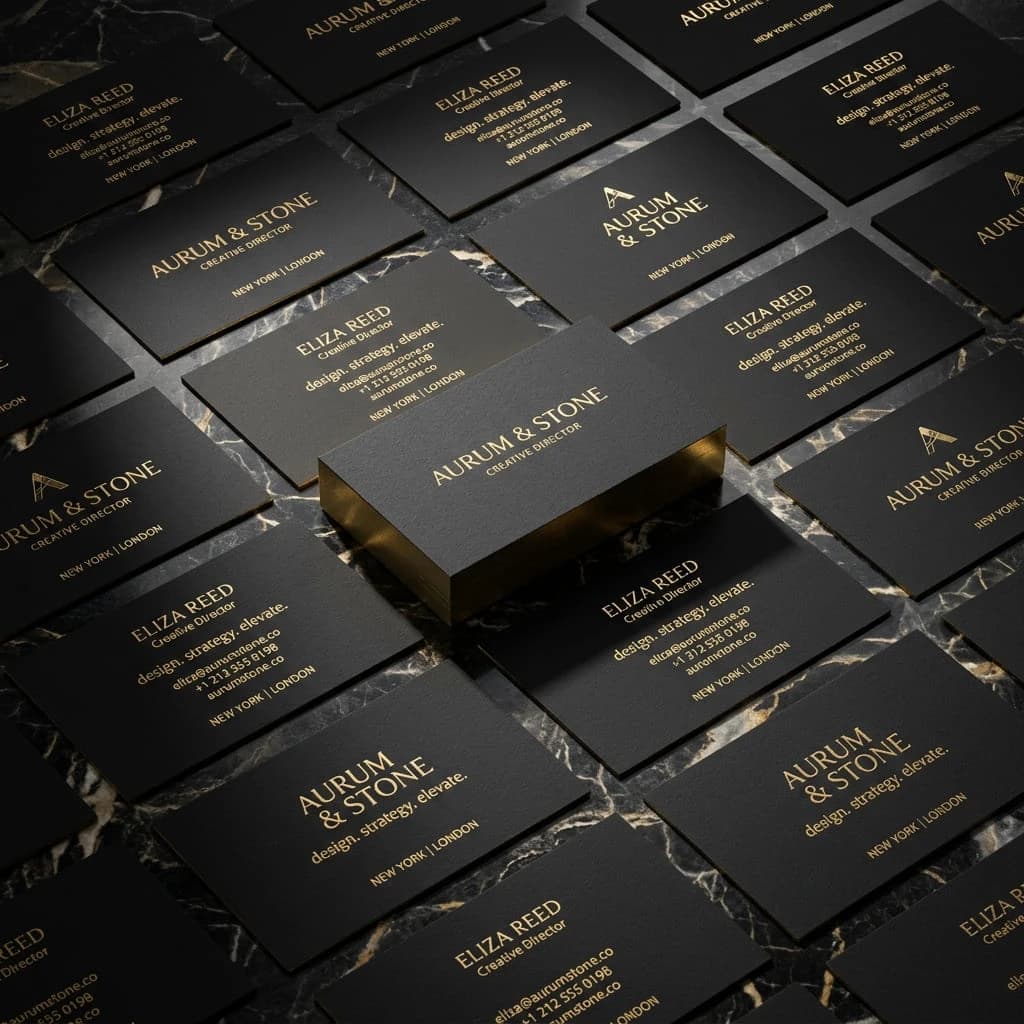
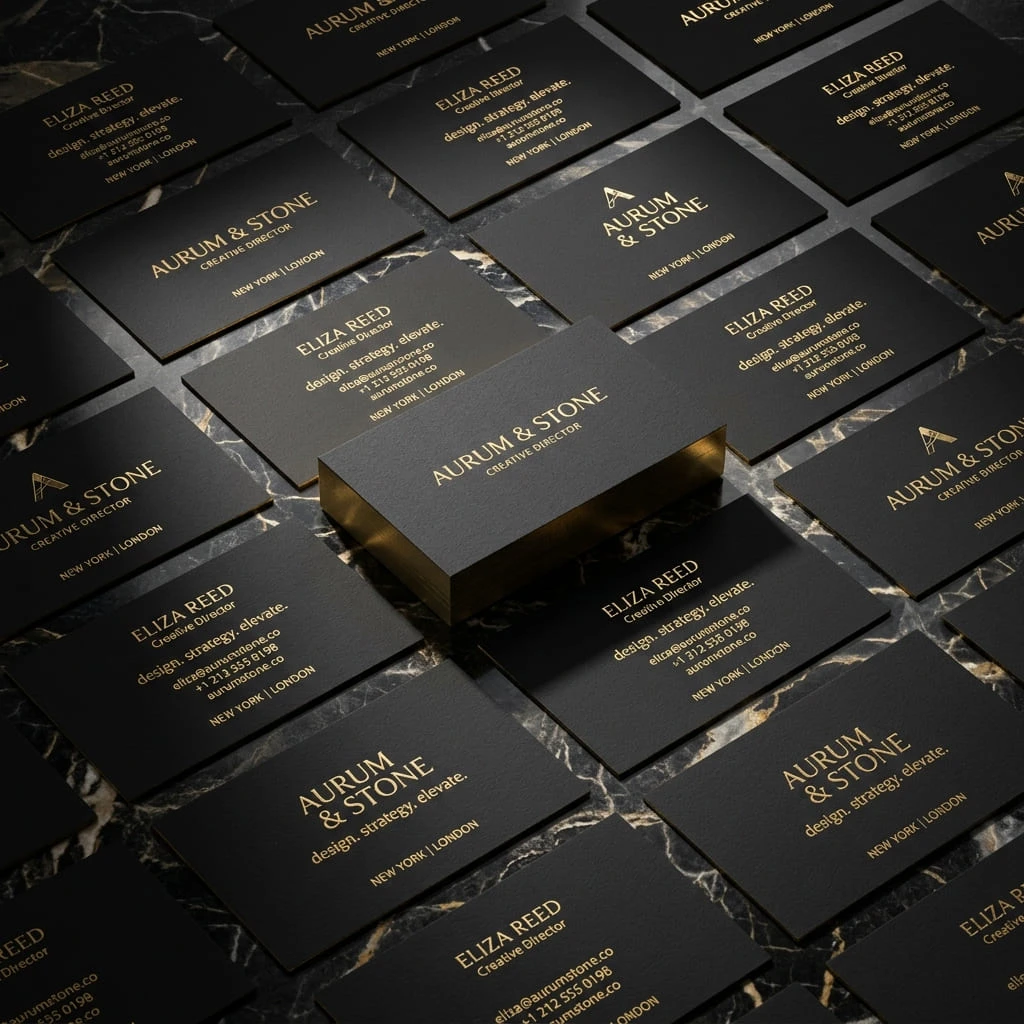
The Physical Anchor
"In a digital-first world, the physical business card is your most powerful offline conversion tool. It isn't just paper; it's a tactile trust signal."
Frictionless Exchange
Handing over a card is instant and professional. It eliminates the awkward 'phone-fumble' during high-stakes networking events or casual local encounters.
The Trust Signal
A premium business card instantly signals that you are an established, serious business. It proves you have invested in your brand, which suggests you will invest in your clients.
Viral Referrals
Physical cards are the engine of local referrals. Customers can physically hand them to a neighbor, creating a high-trust recommendation that digital links cannot replicate.
Long-Term Placement
A digital ad disappears in seconds. A physical card stays on a fridge or in a wallet for months, waiting for the exact moment the customer needs your specific expertise.
Print Quality Rules
The difference between a 'cheap' card and an 'authority' card is defined by these three technical variables. High-GSM cardstock is the physical equivalent of a professional networking strategy—it ensures you bypass the "trash filter" instantly.
GSM (Paper Weight)
Logic: Never drop below 350gsm. A card that bends easily is perceived as a business that cuts corners. 450gsm with a 'Triplex' core is the gold standard for 2026.
Finish & Coating
Logic: Matte finishes are easier to write on, while Soft-Touch (Velvet) triggers positive tactile feedback. Use Spot UV to highlight your logo with a reflective gloss.
Die-Cut & Corners
Logic: Rounded corners (3mm or 6mm radius) prevent 'dog-earing' in wallets and soften the visual profile, making the card feel more modern and custom-designed.
Digital Integration
Bridge the gap between physical paper and your digital ecosystem using integrated tracking technology.
Dynamic QR Logic
VCF / URL / WhatsApp
Use a Dynamic QR code that allows you to change the destination URL without reprinting. Ideally, it should link to a VCF file for instant contact saving.
NFC Integration
NTAG213 / NTAG216
Embed an NFC chip between paper layers. This allows the recipient to 'tap' your card against their phone to instantly trigger a LinkedIn follow or Website visit.
Visual CTA
Scan-to-Save
Always include a text-based Call-to-Action next to your QR code, such as 'Scan to save my mobile number' to increase engagement by 40%.
The Success Plan
What to include (and what to ruthlessly cut) to maximize callbacks.
The Core Identifiers
Include your Name, clear Business Name, and specific Job Title. Never use vague terms like 'Services'—say 'Plumber' or 'Lead Cleaner'. Design tracking shows name-recognition happens in 0.2 seconds.
A Single Action Pathway
Do not list 3 phone numbers and 2 emails. Give them exactly one WhatsApp-capable phone number and one professional email address. Multiple paths create choice-paralysis.
The Value Proposition
Include a rapid, bulleted list of your top 3 services. Tell them exactly what problem you solve. Avoid fluff; use impact verbs like 'Installing', 'Repairing', or 'Managing'.
Visual Hierarchy Rules
The 3-second scan rule dictates whether your card is kept or binned. Much like high-impact design rules, your card must guide the eye to the most critical data first.
The Focal Point
Your Brand/Logo should be the largest element on the front. If you are the brand, your Name should be the primary anchor.
Font Sizing (Minimums)
Never go below 8pt for body text. 6pt text is unreadable for many clients and causes friction. Use bold weights for phone numbers.
Bleed & Safety Zones
Always include a 3mm bleed area for professional printing. Keep critical text 5mm away from the edge to avoid any clipping during finishing.
Where People Look
Eye-tracking data confirms that recipients follow a specific Z-pattern when scanning a 3.5" x 2" card. Design your focal points to match these high-retention zones.

Keep It Clean
"Keep the layout clean. Leave aggressive margins (at least 0.3cm). If the text touches the edge of the card, it looks cheap. You want them to call you, not read an essay. Use the back of the card for your service list or a high-impact quote. A card with 40% white space is perceived as 60% more expensive and trustworthy."
Stop trying to cram an entire brochure onto a 3.5" x 2" piece of cardstock. Just as high-authority networking requires precision, your card design must focus on high-impact density, not volume.
Mistakes to Avoid
Avoid these fatal mistakes that guarantee your card ends up in the trash. Avoid the errors that kill networking ROI instantly.
Unprofessional Emails
Using 'partylover123@gmail.com' destroys your credibility instantly. Use a clean, branded email like name@yourbusiness.com.
Home Addresses
Never put your home address on a card for safety and authority reasons. Write 'Mobile service - I come to you' or list your service city.
Flimsy Paper Quality
Printing at home on thin paper feels incredibly cheap. Always use a professional print shop and ask for a minimum of 350gsm Matte finish.
The Before & After Blueprint
See the difference between a 'commodity' card and an 'authority' anchor.
The Trash Card
- "John's Services - Anything Anytime"
- 3 Phone numbers listed (Home, Work, Cell).
- Unprofessional personal email address.
- Thin 250gsm paper with jagged home-cut edges.
The Authority Anchor
- "Sunrise Cleaning - Maria Santos, Owner"
- One central WhatsApp-enabled number.
- Branded email + QR code for instant VCF save.
- 450gsm Soft-touch finish with Spot UV logo.
Best Information to Include
Use color psychology to trigger the right emotional response from your customer. Review the technical vocabulary required for professional digital integration.
Blue Tones
Green Tones
Black/Gold
Typography
Final Checklist
Run your design through this final audit before sending it to the printer.
Business Card Strategy FAQ
Ready to upgrade your formatting? Try our free CV Maker and download your document instantly.
Establishment Toolkit
Design Your Business Card for Free
Establish your professional identity with board-ready designs. 100% Free.
CV Builder
30+ premium templates. ATS-friendly. 100% Free.
Cover Letter Maker
Professional matching correspondence. Build for Free.
100% Free • No Credit Card • No Watermarks • Instant Access